



Betsamuro Mobile Platform
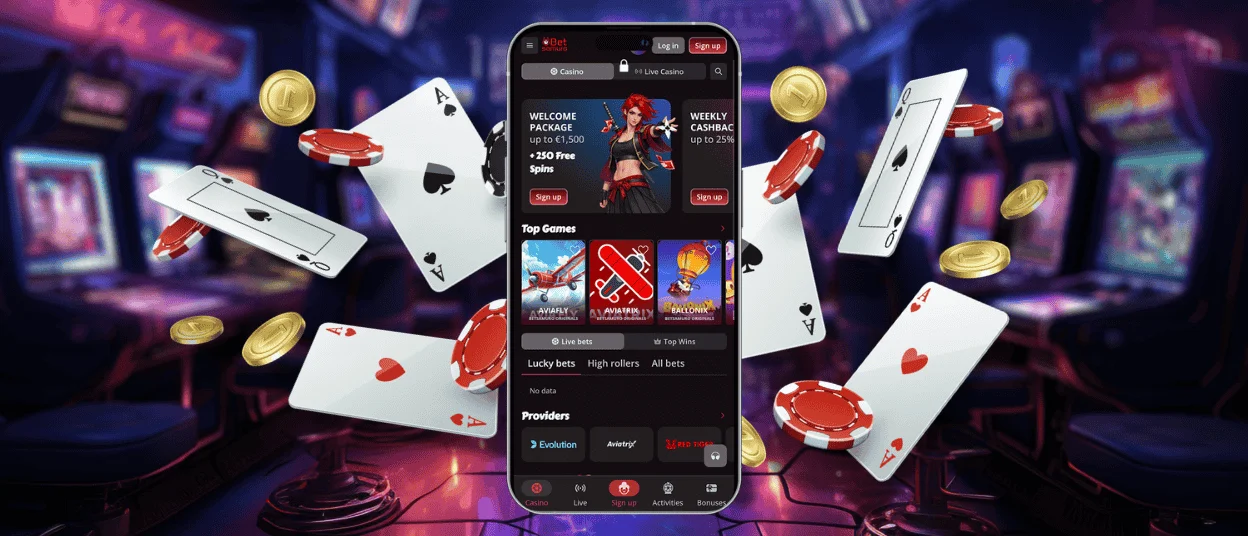
The Betsamuro app offers improved gameplay on all devices. The functionality is no different from the desktop version. In our mobile casino, you get access to a full library of games, such as popular online slots, a live dealer section, and others. The speed of the portable version and the ability to play on the go take your gaming experience to a whole other level. The Betsamuro app is free and works on both iOS and Android devices. You can also get it on your desktop.



Advantages of the Betsamuro App
When we created our Betsamuro app, we first thought about how to keep all the advantages of the desktop website in a portable version, so we carefully transferred all functionality to the mobile software. Setting up the Progressive Web App (PWA) from the browser instead of the application store saves space on the device. Push notifications let players know right away about new events and promotions. We compared the advantages of the Betsamuro application over the browser version, and here’s what we can highlight:
| Benefit | Description |
| Instant Download | No third-party resources, directly from the browser. |
| Minimal Storage Usage | PWA technology saves space on your device. |
| Push Notifications | Real-time updates on promotions and events |
| Faster Loading | Optimized performance for on-the-go access |
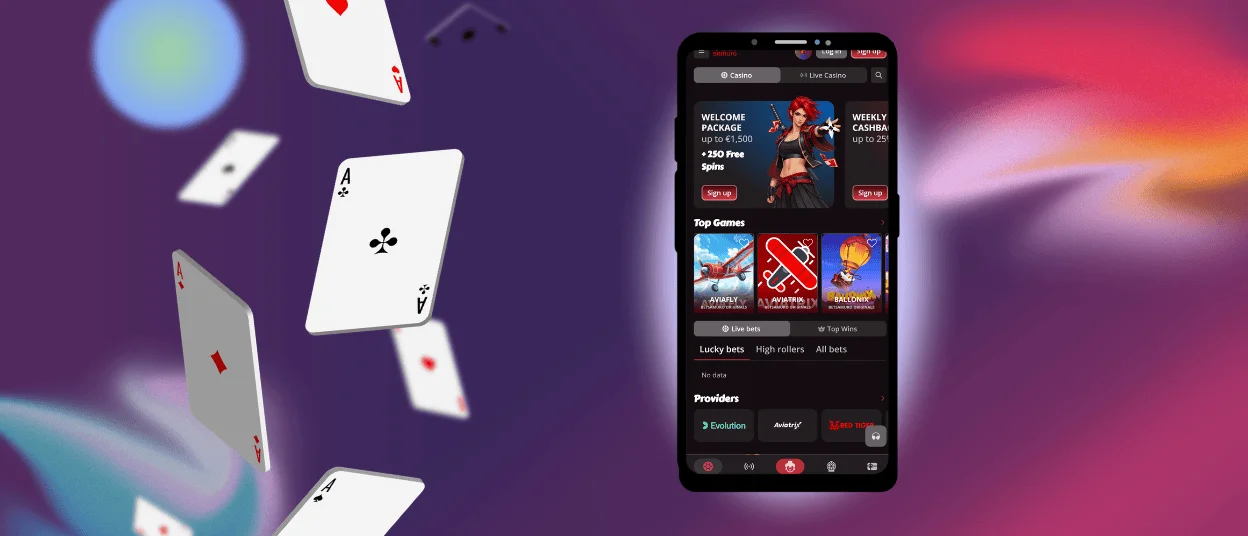
How to Play Bet Samuro on Mobile Devices
Users can access Bet Samuro Casino through our progressive web application, which was created to work smoothly on iOS and Android devices. The PWA can be installed directly from the browser, so it doesn’t need to be approved by the store. It works like native software and meets modern security standards. When you load the program, it opens in full-screen mode and is optimized for touch screens.
Step-by-Step iOS App Installation
To get Betsamuro Casino on your iPhone or iPad, just follow these easy steps:
- Open the Safari browser and go to our official website.
- At the bottom of the screen, tap the Share button.
- Then, scroll down and tap “Add to Home Screen.”
- Pick a name for the app or leave it as is, then tap “Add” in the upper-right corner.
Now the BetSamuro icon is on your home screen. After you log in to your account, make sure you’ve gone through the verification process. Then, use any way you like to make a deposit and start playing. You can always use live chat to get in touch with our support team if you have any problems with any of the steps above.
Downloading and Using the App on Android
Android users can set up the Betsamuro Casino PWA through their browser with a process nearly identical to that on iOS devices, requiring no Google Play visit. Open our website in your browser, tap the three-dot menu, and select the “Add to Home Screen” button. Confirm the setup, and the icon appears on your home screen.
Betsamuro for PC or Mac
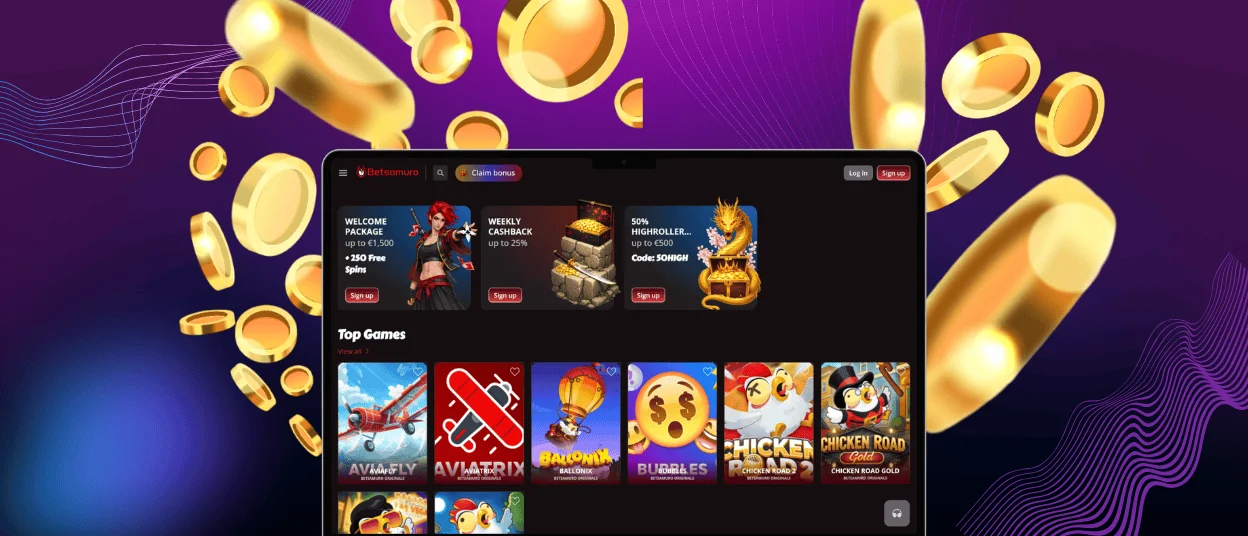
As we mentioned earlier, our software is available for download on Windows and macOS. When you use the Betsamuro app on your device, it works faster and is easier to navigate than regular web viewing. Our optimized platform makes sure that games load quickly and controls work well for long gaming sessions.
People who use PWAs receive push notifications about sales and events right in their browsers. Going to our website and hitting the “Install” button in the address bar is all it takes to set up. With one last confirmation, the Betsamuro app will be added to your desktop, where you can get to it at any time.
Security and Safety Features of the App
Our mobile app, instead of the Bet Samuro APK, can be installed from our official site without the need to use a third-party source. This means that there are no risks that come with downloading from outside. The app uses TLS 1.3 encryption and HTTPS protocols for all data transfers, which is the same level of security as on our website. The program doesn’t need any extra permissions besides normal browser access, so personal information can’t be gathered without your approval.
FAQ
Will I lose my game progress if I switch between the mobile and desktop versions?
No, the progress you make in your Betsamuro Casino account is instantly synced across all of your devices. You can easily switch between mobile and desktop versions because your game history, bonus amounts, and loyalty points stay the same.
Can I use the same account on more than one device at the same time?
Yes, you can log in to your Bet Samuro account from more than one device, but you can’t do it at the same time. If you log in on a different device, you will be instantly logged out of any sessions that were already open. This protection measure keeps other people from getting into your account without your permission and lets you easily switch between your phone, tablet, and desktop.
Are there any exclusive bonuses for players using the Betsamuro app?
Yes, we offer promotions and bonuses that can only be accessed through the application every once in a while. People who download the PWA get notifications about free spins, deposit matches, and more that people who use desktop browsers might not see.


